7 MyCRM Follow-Up Workflows That Turn Quiet Sellers Into Signed Contracts

MyCRM follow-up workflows are repeatable sequences inside iSpeedToLead’s built-in CRM that keep a quiet seller engaged until the day they are ready to sign.
iSpeedToLead pairs that CRM with AI-scored motivated seller leads, so the system tells you which quiet sellers are worth chasing and then automates most of the chasing for you.
The reason this matters is timing: Only about 1% of off-market deals close in the first week, while roughly 80% close between day 31 and day 180.
This article breaks down seven MyCRM follow-up workflows that turn quiet sellers into signed contracts, each built around how homeowners actually decide to sell.
A follow-up workflow is not a reminder to “call them again.” It is a structured cadence that moves a seller through the emotional stages of deciding to sell, then captures them at the moment the alternatives have failed.
A quiet seller is almost never a dead seller. They are usually a seller in the middle of that decision.
The data on when off-market deals close makes the case better than any pitch:
| When the deal closes | Share of all off-market deals |
|---|---|
| First week (0–7 days) | ~1% |
| Week 2 to month 1 (8–30 days) | ~5% |
| Month 2 (31–60 days) | ~15% |
| Month 3 (61–90 days) | ~36% (the peak) |
| Month 4 (91–120 days) | ~14% |
| Months 5–6 (121–180 days) | ~27% |
The median iSpeedToLead lead that closes takes about 73 days from delivery to a recorded deal. Sellers move through four predictable phases:
The follow-up math is brutal for anyone who quits early: stop at day 30 and you walk away from about 94 of every 100 deals that lead would have produced.
“The closers formula works if you follow the steps. If you’re listening and you have great conversations with people, you are able to close deals no matter who you are, no matter how often you do it.”
— RJ Bates III, Titanium Investments
Every workflow below exists to keep you in the game through the Reality Check and Surrender phases, where the deals actually live.
The first workflow is a rule, not a feature: never retire a lead before the seventh touch. Most investors quit between day 14 and day 30, which is precisely when the seller is going quiet because they are wrestling with the decision, not because they are gone.
Set this up in MyCRM with recurring reminders so no lead falls out of rotation before touch seven:
Consider Jillian Jean. She bought a $5 lead, got hangups and silence for weeks, and most buyers would have given up. On the seventh touch the seller finally answered, and 18 minutes later she had a signed contract.
The seventh touch is not stubbornness. It is statistics.
The second workflow uses MyCRM’s status system to make sure quiet leads resurface instead of disappearing. Leads move through New, Contacted, Working, and Closed states, and the CRM auto-flags a lead as Stale after roughly seven days without activity.
That Stale flag is the single most useful signal for catching quiet sellers:
This turns “I forgot about that one” into a system. The seller who went silent on day 9 is exactly the seller entering the Reality Check phase by day 35.
The third workflow solves a specific problem: a seller who ignores your calls is not necessarily ignoring you. They may simply screen unknown numbers. The AI Follow-Up System inside MyCRM automates outreach across SMS, email, phone, and voicemail, so a quiet channel becomes a reason to switch, not to stop.
The system runs four staged phases automatically: initial contact, follow-up, nurture, and re-engagement. Its documented benchmarks are a response rate above 15%, a conversion rate above 5%, delivery above 95%, and a typical time to response under four hours.
When a seller stops answering the phone, a well-timed text or voicemail drop often reopens the conversation. Channel-switching is how you stay present without becoming a nuisance.

The fourth workflow maps your message to the seller’s psychology instead of repeating the same pitch. The same “are you still interested?” text lands very differently in the Pullback than it does in the Surrender phase.
Build distinct re-engagement messages for each stage:
The data backs the timing. About 36% of off-market deals close in the Reality Check window, the single largest phase, and another 27% close during Surrender. A re-engagement note that recognizes where the seller is mentally converts far better than a generic follow-up.
The fifth workflow decides where your energy goes when you have more quiet leads than hours. Every iSpeedToLead lead carries a DealPredictor grade, validated across more than 74,000 leads over 19 months, where the top 19% of scored leads account for roughly 40% of confirmed wholesale outcomes.
Use the score to set follow-up intensity, not to discard leads:
This is prioritization, not a guarantee. Lower-graded leads still convert; they simply earn a lighter touch so your best hours go to your best probabilities.
The sixth workflow makes follow-up measurable. MyCRM logs every purchase, status change, call, email, SMS, note, and reminder into a single activity timeline, so you always know the last thing that happened with a quiet seller and what should happen next.
Track your pipeline in clear buckets the way active members do:
One member, Brandon Thiemig, ran exactly this kind of bucketed tracking across 29 leads and surfaced a 10-plus property tired-landlord opportunity in the process. A timeline removes the guesswork about who you have actually worked versus who only feels worked.
The seventh workflow is the highest-leverage one most investors never run. Roughly 1 in 5 wholesale-grade deals comes from a seller who first tried to list on the MLS and failed, often pulling that listing after about 57 days. Those sellers re-enter the market quietly, and they are far more receptive to a private offer than a fresh lead.
Run a monthly resurrection sweep in MyCRM:
A seller who ghosted you in week one may be the easiest contract of the quarter in month three. This sweep is how you catch them at the Reality Check.
| Workflow | What it captures | MyCRM tool it uses |
|---|---|---|
| Seven-Touch Minimum | Sellers in the Pullback | Recurring reminders |
| Status Triage + Stale Flag | Forgotten quiet leads | Status system |
| Multi-Channel Switching | Phone-avoidant sellers | AI Follow-Up System |
| Phase-Aware Re-Engagement | Sellers mid-decision | Notes and sequences |
| DealPredictor Priority | Your highest-probability leads | DealPredictor score |
| Activity-Timeline Pipeline | Where each deal actually stands | Activity timeline |
| 90-Day Resurrection Sweep | Failed-listing and aged sellers | Bulk filters |
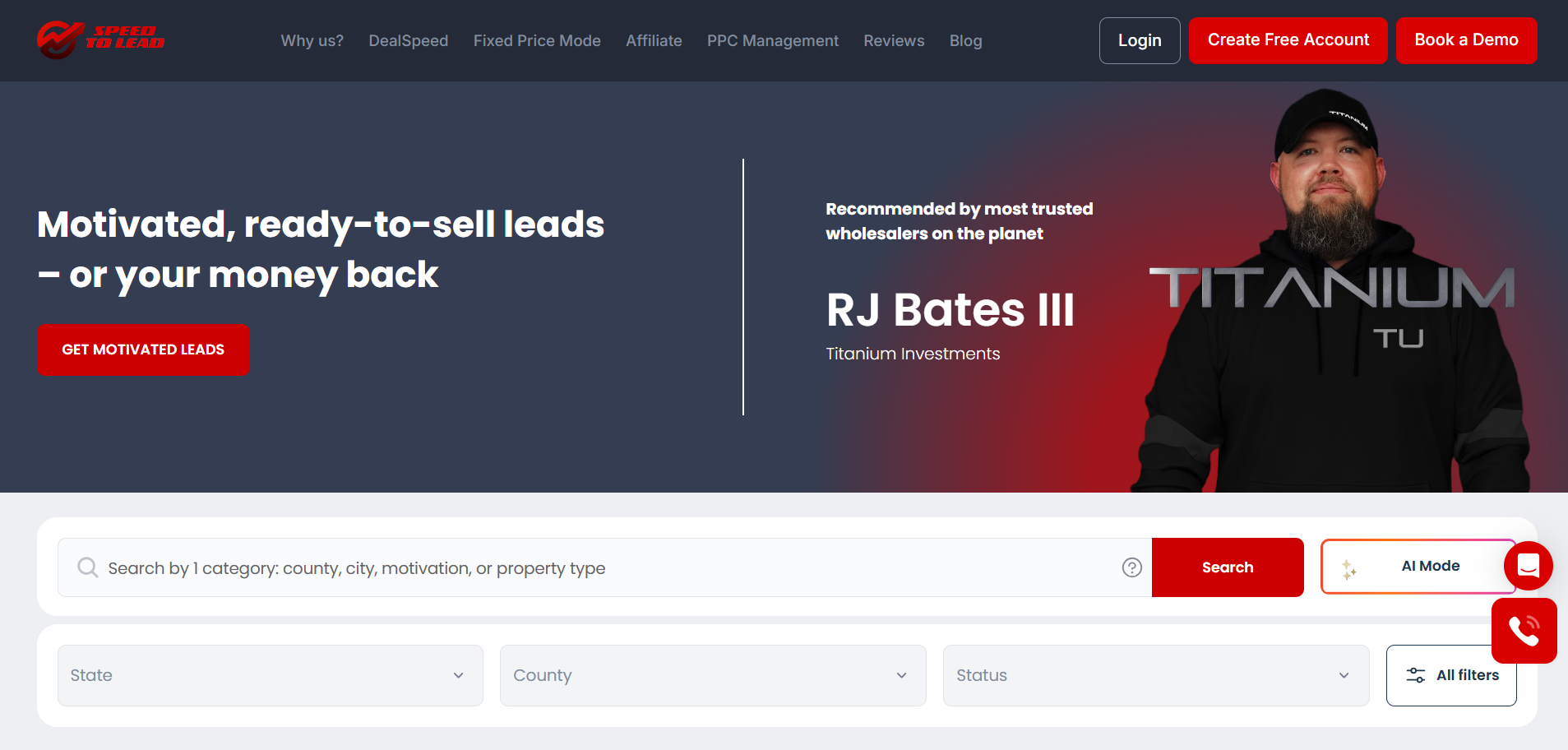
These workflows are only practical because the leads and the tooling live in one place. MyCRM holds the lead, the score, the communication history, and the automation in a single dashboard, so follow-up does not depend on spreadsheets or memory. That integration is what separates a system from a to-do list.
Three structural advantages make it click:
Investors who run these systems compound their results. Joey and Jacob Zawacki generated $48K in 90 days by automating acquisition and working their pipeline consistently rather than buying and forgetting.
The platform supplies the deal flow, 153,000-plus leads a year across 48 states, but disciplined follow-up is what turns that flow into contracts.
Getting started takes minutes. Create an account, browse the live lead marketplace or set up AutoMatch to deliver matching leads hands-free, and route everything into MyCRM where the workflows above run.
A simple first-week setup:
From there, scale with Fixed Price Mode or AutoMatch so your pipeline fills automatically while your workflows do the converting.
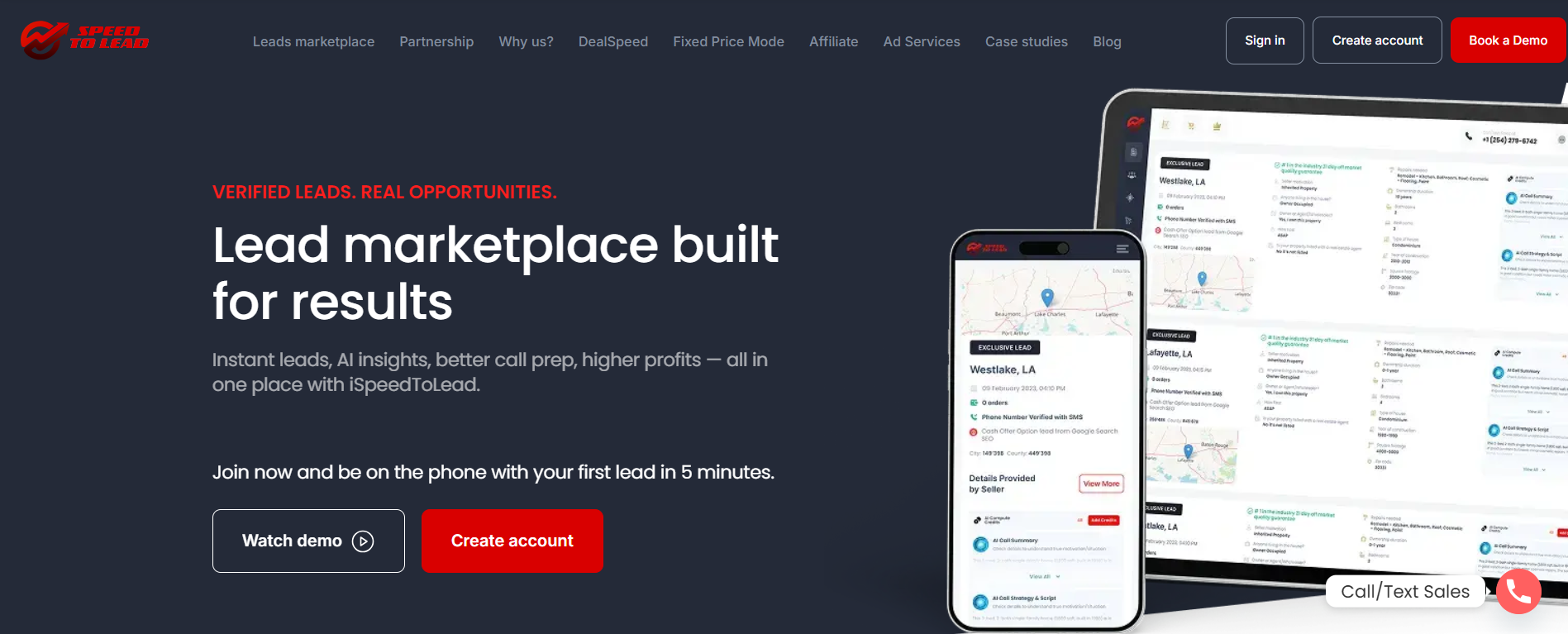
iSpeedToLead is built for the reality that the best deals close on the seller’s timeline, not yours, and MyCRM is the engine that keeps you present until that timeline arrives.
The seven workflows above exist because roughly 80% of off-market deals close after day 30, and the investors who win are the ones still following up when everyone else has quit.
If you want to see how AI-scored leads and automated follow-up actually convert quiet sellers in your market, book a demo with an off-market acquisition strategist.
Read Next:
Yes, MyCRM follow-up workflows are worth it for converting quiet sellers, because roughly 80% of off-market deals close after day 30, exactly when most investors stop following up.
MyCRM helps with following up on quiet leads by tracking every lead’s status, auto-flagging stale leads after seven days, logging all activity, and running automated multi-channel outreach.
Following up in MyCRM is different from using a spreadsheet because the lead, its DealPredictor score, its full communication history, and the automation all live in one system instead of scattered across separate tools.
Yes, you can automate follow-up using the AI Follow-Up System inside MyCRM, which runs staged SMS, email, phone, and voicemail sequences with delivery above 95% and response rates above 15%.
You should keep following up with a quiet motivated seller for up to 180 days, since the median deal closes around day 73 and another 27% of deals close during the 121-to-180-day window.

June 18, 2026
June 17, 2026

June 16, 2026

June 15, 2026

June 14, 2026

June 13, 2026

June 12, 2026

June 11, 2026

June 10, 2026
Select the type of leads you're interested in.

