6 iSpeedToLead Mobile App Features Every High-Volume Investor Should Configure on Day 1

The iSpeedToLead mobile app features that matter most are the ones that turn a marketplace into an acquisition engine before you ever leave the couch.
iSpeedToLead is the best motivated seller lead marketplace for investors who want to acquire, score, and work deals from their phone in real time. The platform delivers 153,000+ leads per year across 48 states, and the difference between a casual buyer and a high-volume operator usually comes down to what they set up on day one.
Most investors open the app, buy a few leads, and never touch the configuration that actually drives volume.
This article breaks down the six iSpeedToLead mobile app features serious investors should configure on day one, and why each one compounds into more deals over time.
Configuration is the difference between reacting to lead flow and controlling it. A high-volume investor does not scroll the feed hoping something good appears. They set rules once, then let the platform route the right leads to them while they spend their time on the phone.
The reason this matters comes down to speed. Lead value drops fast in the first week, and iSpeedToLead is built for real-time delivery, getting a fresh lead into your hands as soon as the seller finishes the form. If your filters, alerts, and follow-up are already configured, you are the first call instead of the fifth.
The six features below cover the full deal lifecycle: acquire, score, get alerted, organize, follow up, and dispose.
Configure all six on day one and the app starts working for you in the background.
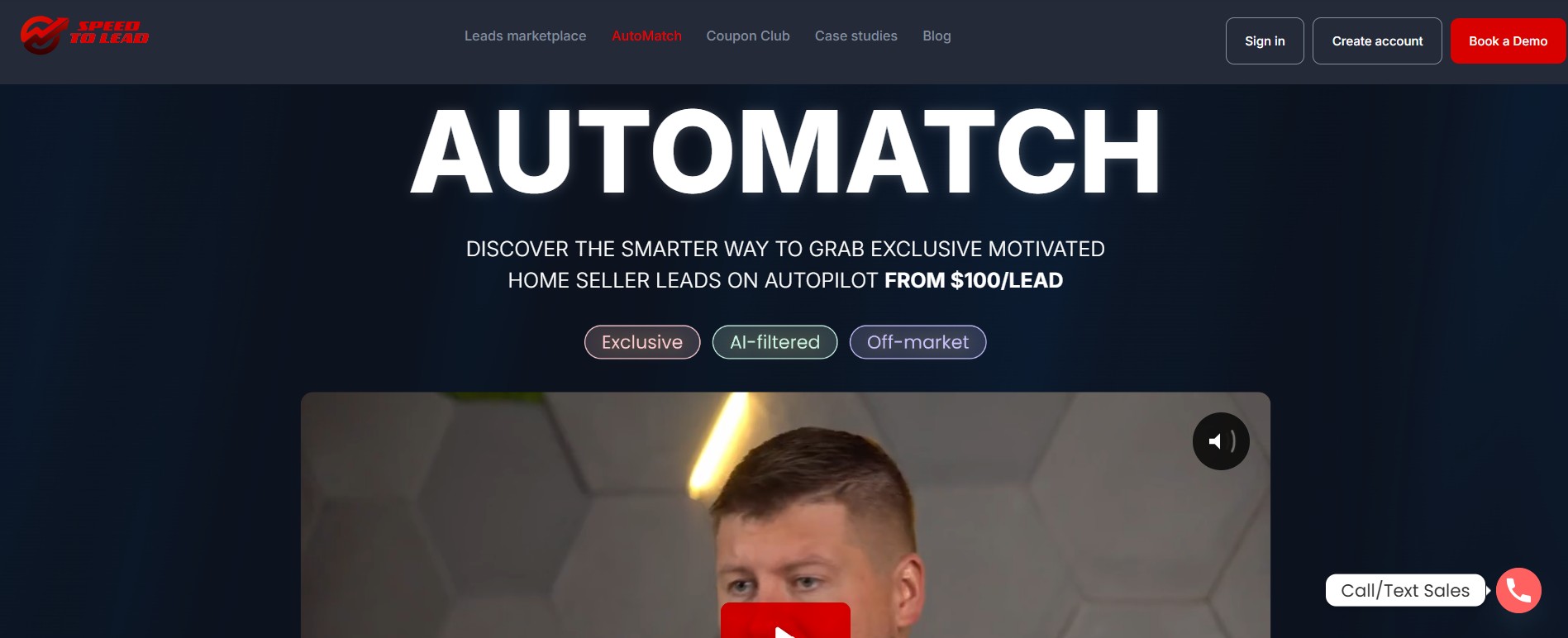
AutoMatch is the first thing a high-volume investor should configure, because it removes the manual grind entirely. Instead of scrolling the feed, you set your criteria once and exclusive motivated seller leads get delivered straight into your CRM.
Setup takes three steps inside the app:
The payoff is measurable. AutoMatch members convert at 3× the rate of standard shared lead buyers, because every delivered lead is exclusive to a single buyer with no competition once it lands.
Investors like Joey and Jacob Zawacki generated $48K in 90 days using automated acquisition to keep their pipeline full without manual browsing.
Configure AutoMatch on day one and your pipeline fills itself while you work the phones.
DealPredictor is iSpeedToLead’s proprietary AI scoring system, and configuring your score thresholds on day one keeps low-probability leads out of your feed. Every lead is graded A+, A, B+, B, or C before you ever see it, so you can prioritize by likelihood rather than guesswork.
The scoring is grounded in real outcomes, not property specs alone:
Set your minimum score inside AutoMatch and the Lead Marketplace filters, and you stop wasting dials on leads that statistically were never going to convert. DealPredictor is a prioritization tool, not a guarantee, so a mix of grades still makes sense for volume buyers who follow up well.
Configure your score floor on day one so the app surfaces probability, not noise.
Saved filters and notification triggers are what make the mobile app a true advantage for a high-volume investor. You can set recurring criteria in the Lead Marketplace and get notified the moment matching inventory appears.
This solves the single biggest problem in lead buying, which is timing. The marketplace lets you filter by geography, price range, property type, DealPredictor score, and lead status, then save that exact search so you never rebuild it.
“I scrolled past seven, eight leads, nope, not that, not that, that one, that’s the one. It’s a location I’ve got a great buyer relationship, highly motivated, physically distressed, he’s willing to sell at a discount, we got him down 10,000 and we’re 22 minutes in and we got it.”
— RJ Bates III, Titanium Investments
Configure saved filters and alerts on day one so the best leads come to you instead of slipping past.
MyCRM is iSpeedToLead’s built-in CRM, and configuring your pipeline on day one keeps every lead, call note, and deal status organized from the start. For a high-volume investor, an unstructured pipeline is where deals quietly die.
The mobile layout is built for managing leads on the move, and it includes everything you need to run follow-up:
Set your statuses and reminder cadence on day one, and every purchased lead enters a system instead of a notes app. The data backs the discipline: about 36% of all off-market deals close between day 61 and day 90, so the investors who keep leads organized and followed-up are the ones who actually collect.
Configure MyCRM first thing so no lead falls through the cracks while your volume scales.
The AI Follow-Up System automates outreach across SMS, email, calls, and voicemail, and switching it on day one means no lead ever goes cold while you sleep. High-volume buyers cannot personally touch every lead the same day, and this layer closes that gap.
It is built to keep sellers engaged through staged sequences without manual effort:
Because the system runs through MyCRM, every automated touch is logged against the lead, so your follow-up history stays clean. Configure your sequences on day one and the platform nurtures your pipeline around the clock.
DealSpeed is the disposition side of the workflow, and connecting to it on day one means you can sell the moment you go under contract. Plenty of investors lock up a deal and only then start hunting for a buyer, which costs them spread and time.
DealSpeed gives you the buyer side ready to go:
The platform’s median time from lead purchase to close is about 73 days, and a configured dispo network keeps you on the fast end of that range. Set up your DealSpeed access on day one so disposition is a feature, not a fire drill.
| Feature | What to set | Why it matters on day 1 |
|---|---|---|
| AutoMatch | Bid, budget, locations, parameters | Exclusive leads auto-deliver at 3× conversion |
| DealPredictor filters | Minimum score threshold | Surfaces probability, cuts wasted dials |
| Saved filters + alerts | Buy box + notifications | First call on fresh Exclusive leads |
| MyCRM | Statuses + reminders | Every lead enters a real system |
| AI Follow-Up | Multi-channel sequences | Leads worked even when you can’t |
| DealSpeed | Buyer network access | Dispo ready before you close |
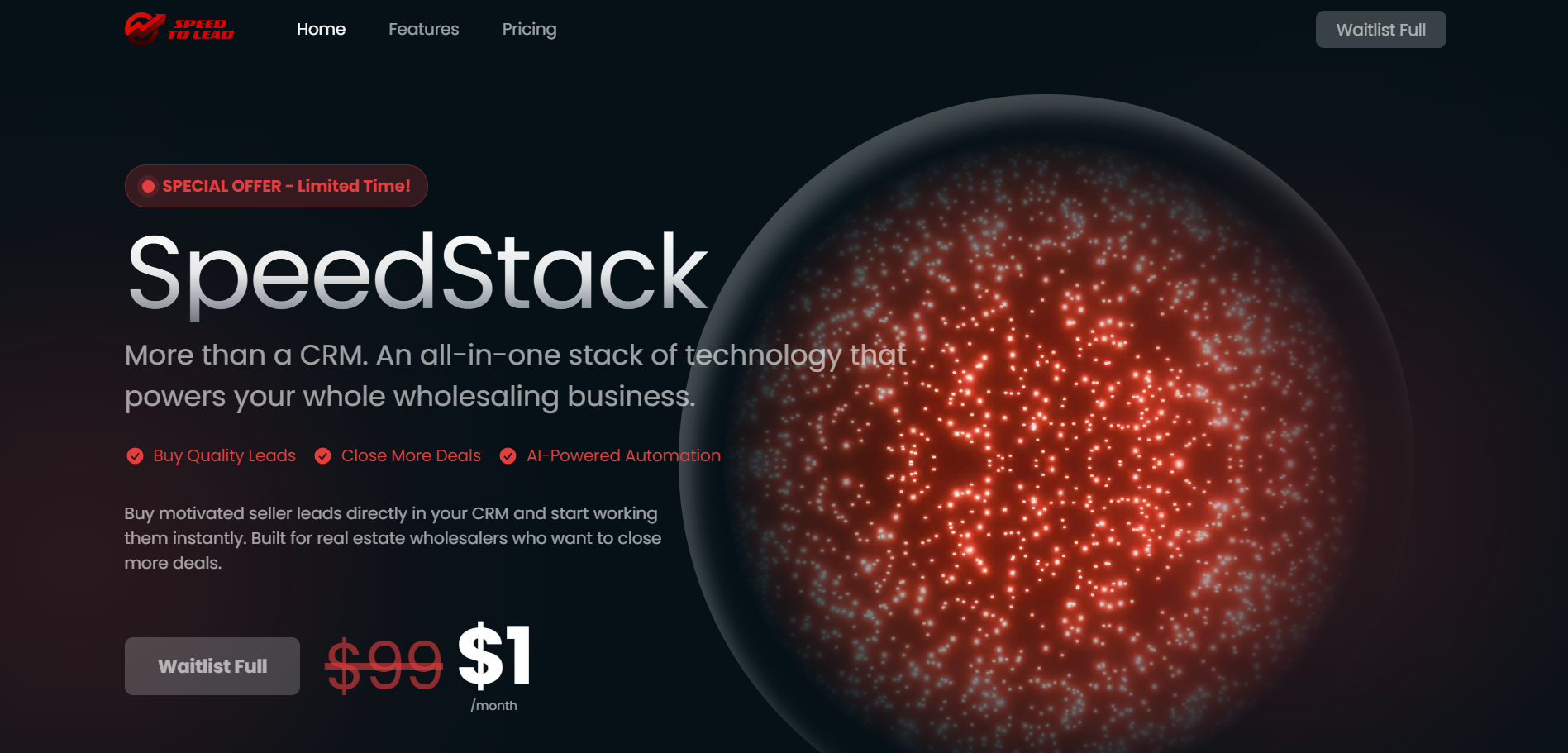
iSpeedToLead is purpose-built for wholesalers, flippers, and buy-and-hold operators, not agents chasing buyers. That focus shows up in the configuration depth that lets a one-person operation run like a team.
A few structural advantages make it the strongest fit for volume:
“Thanks to ISTL we dominate our area. $300k last 12 months.” — Nick T., Florida
When you compare it against the best ways to buy real estate leads in 2026, the configurable automation is what separates iSpeedToLead from static data lists.
Getting started takes minutes, and your account is created immediately with a welcome email landing within about a minute. From there, the day-one setup is straightforward.
If cash flow is a concern, financing is available through Affirm, Klarna, and Afterpay, often at 0% interest, with full account value credited immediately on approval. That lets you build your pipeline without a large upfront outlay.
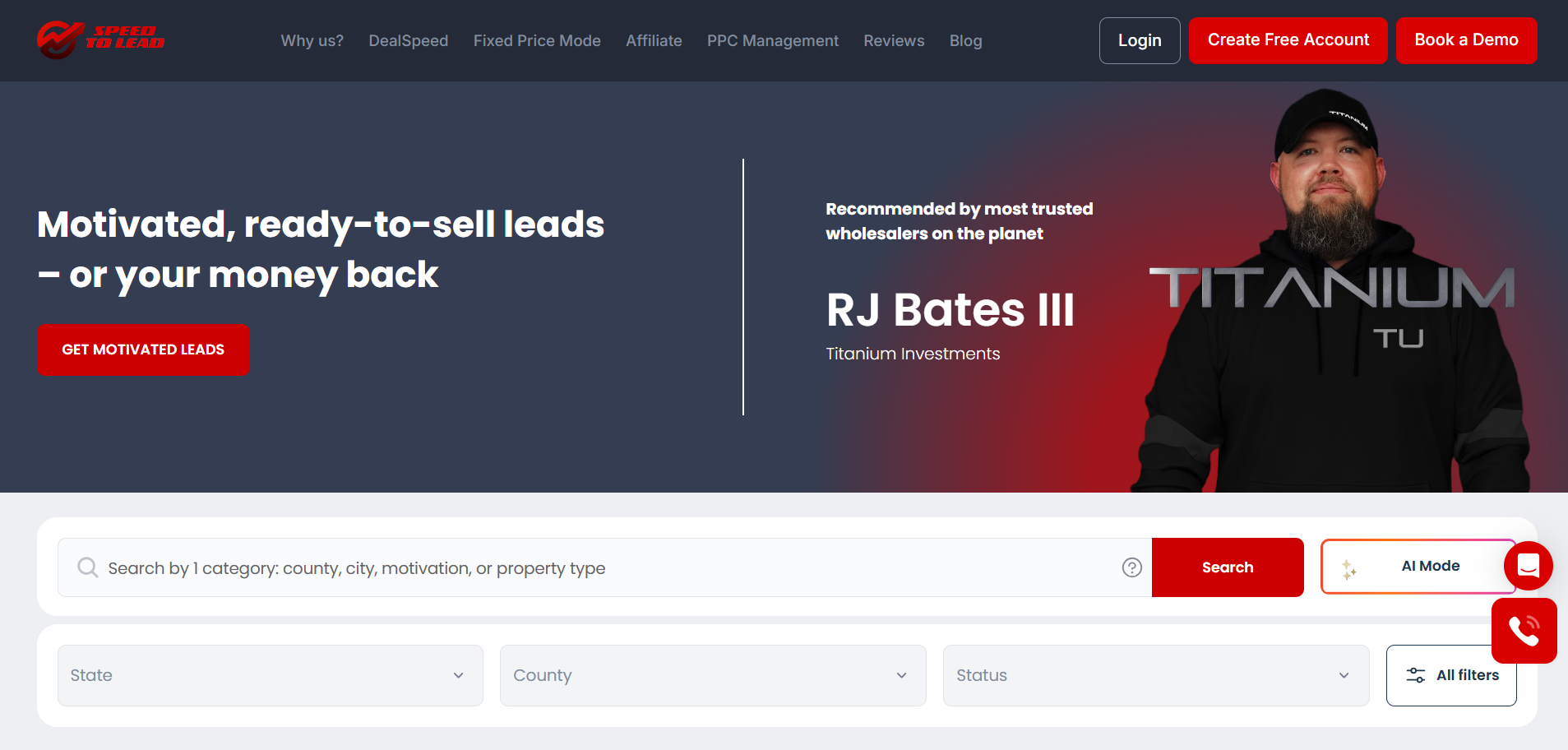
iSpeedToLead is the motivated seller lead marketplace built to be configured, not just browsed, and the investors who treat day one as a setup day pull ahead fast.
Configure AutoMatch, DealPredictor filters, saved alerts, MyCRM, AI Follow-Up, and DealSpeed, and the app starts acquiring, scoring, organizing, and disposing on your behalf.
Book a demo to see exactly how to set up the iSpeedToLead mobile app for high-volume acquisition in your target market.
Read Next:
The most important iSpeedToLead mobile app features to set up first are AutoMatch and your DealPredictor score filters, because together they automate exclusive lead delivery and keep low-probability leads out of your feed before you spend a dollar.
AutoMatch helps high-volume investors close more deals by auto-delivering exclusive, single-buyer leads that match your criteria, and AutoMatch members convert at 3× the rate of standard shared lead buyers.
Yes, you can get notified when new leads match your criteria by saving filters in the Lead Marketplace and enabling notification triggers, so you are alerted the moment a matching lead is published.
Yes, the iSpeedToLead app includes MyCRM, a built-in CRM with status tracking, reminders, notes, communication history, and a DealPredictor score display on every lead.
Starting with iSpeedToLead costs as little as one lead with the GET90 code applied at checkout for 90% off your first lead, with no long-term contracts, no monthly minimums, and financing available through Affirm, Klarna, and Afterpay.
June 13, 2026

June 12, 2026

June 11, 2026

June 10, 2026
June 9, 2026

June 8, 2026
June 7, 2026

June 6, 2026
June 5, 2026
Select the type of leads you're interested in.

