How AutoMatch Buys Leads for You While You Sleep (Step-by-Step Walkthrough)
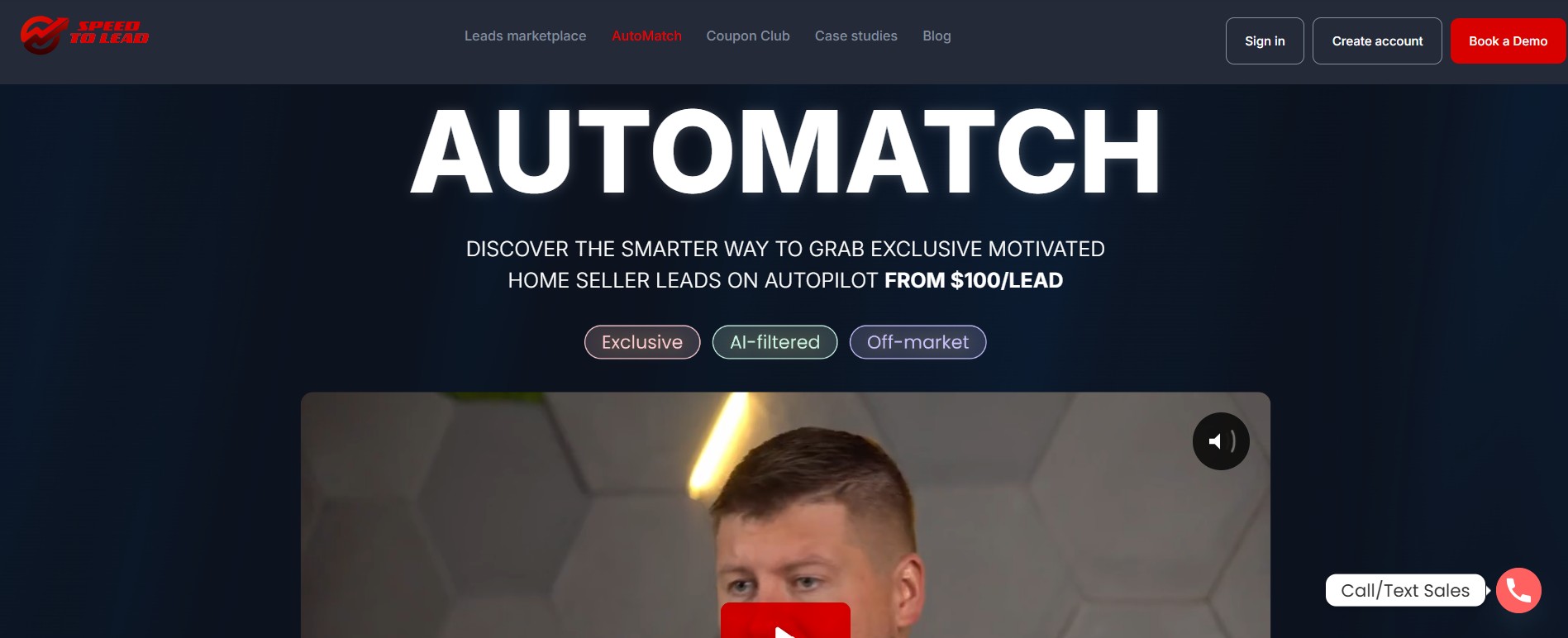
AutoMatch is the automated lead delivery mode inside iSpeedToLead’s marketplace that buys exclusive motivated seller leads for you based on filters you set once.
iSpeedToLead is the most outcome-grounded motivated seller lead marketplace in 2026, and AutoMatch is how serious investors put their acquisition on autopilot.
Investors using AutoMatch see roughly three times the conversion rate of manual lead buying, because the system grabs exclusive leads the moment they publish instead of letting you race other buyers for them.
This walkthrough breaks down exactly how AutoMatch works step by step, what it costs, and who should be using it to scale deal flow without watching a feed all day.
The manual way to buy leads rewards whoever is staring at the screen. On the live feed, exclusive leads get claimed fast, so the investor refreshing the page at 2 p.m. on a Tuesday wins, and everyone running an actual business loses.
That is a brutal trade-off. The investors who most need volume, the ones already managing offers, walkthroughs, and dispositions, are the least able to babysit a marketplace all day.
AutoMatch removes the babysitting. You define your buy box once, set a budget, and the system buys matching exclusive leads for you the second they go live. As Jerry Norton puts it:
“You could literally be a million-dollar producer and be a one-person show in this business. But you’ve got to have a really simplified, really dialed-in lead generating process. iSpeedToLead can be that for you.”
That is the whole point of AutoMatch: a dialed-in process that runs whether you are on a call, on a flight, or asleep.
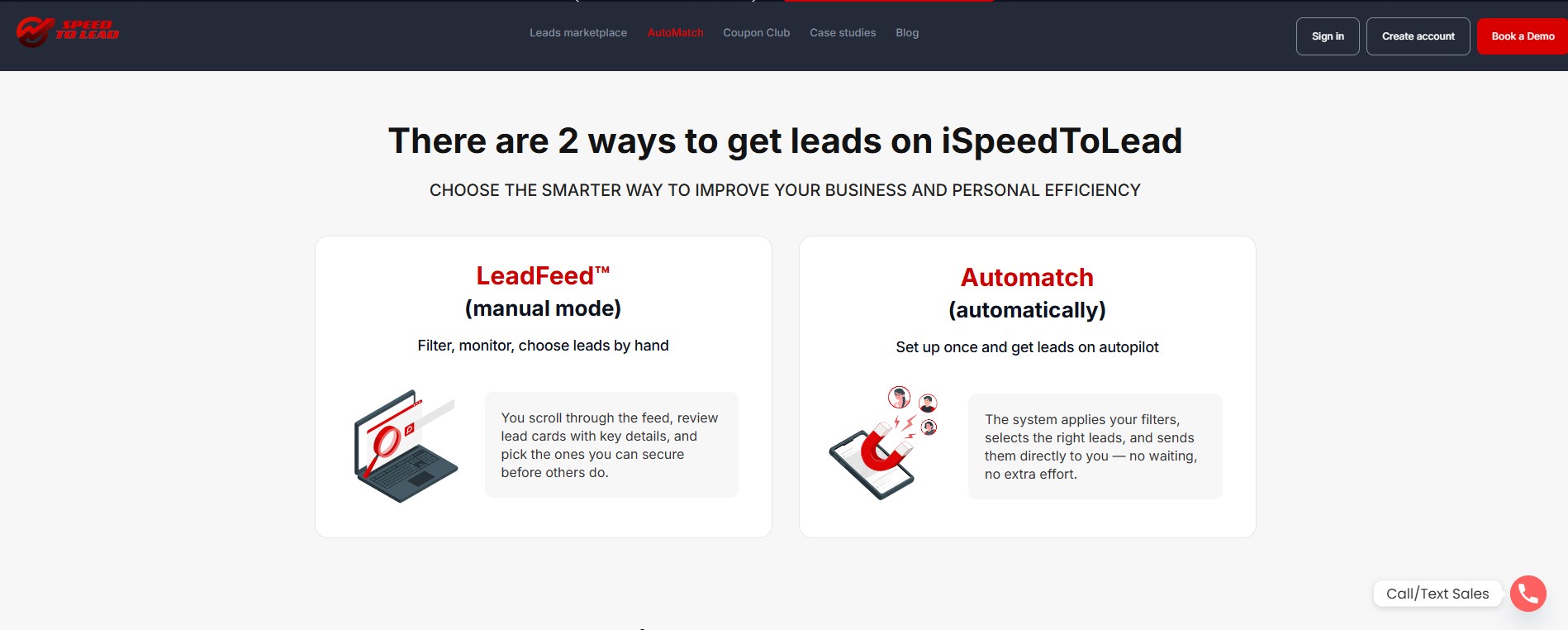
AutoMatch is the autopilot counterpart to the manual LeadFeed marketplace. Where the feed is scroll, review, and claim, AutoMatch is configure once and let it run. The setup runs in three steps, and each one is a decision, not just a field to fill in.
The first step sets two numbers: your bid per exclusive lead and your monthly spending cap. Minimum bids start at $100 per lead, and the bid is what determines your priority when multiple investors want the same inventory.
Think of the bid as your place in line. A higher bid does not change the lead, it changes how often you are the one who gets it in a competitive market, so you raise it when you want more volume in a hot area and keep it at the floor when supply is comfortable.
The monthly cap is your safety valve. It means you can be aggressive on bid without ever waking up to a bill you did not authorize, because the system stops buying once the cap is hit.
The second step defines where AutoMatch hunts. You can target an entire state or drill all the way down to specific counties, and the choice is a trade between volume and precision.
Statewide coverage gives you the most inventory and usually a lower average cost per lead, since you are matching against a bigger pool. County-level targeting gives you fewer leads but tighter alignment with the markets where you already have buyers lined up.
The rule of thumb is to point AutoMatch at the markets where you can already dispose of a deal. Buying leads in a county where you have no buyer is just inventory you cannot move.
The third step is your buy box. AutoMatch only purchases leads that match the property and seller criteria you define here, so this is where you turn the system from a firehose into a filter.
The tighter your filters, the more consistent your matches, but the lower your volume. Loosening timeline urgency or widening the year-built range opens the gates for more leads; restricting to most-urgent-only with a narrow property profile gives you fewer, higher-intent matches.
The right setting depends on whether you are optimizing for volume or for hit rate.
Once your three steps are saved, the work moves to the system. New leads enter the platform through inbound channels like Google PPC, Facebook, and verified call campaigns, then run through a filtering layer that rejects roughly 40% of non-motivated or low-quality inquiries before they ever reach inventory.
Surviving leads get scored by DealPredictor and assigned a status. AutoMatch gets first pass on the fresh exclusive inventory that fits your filters, and it buys instantly when a match appears, which is exactly the speed advantage manual buyers cannot replicate.
This is also why AutoMatch delivers exclusive leads only. A single-buyer lead means once the system claims it for you, no other investor is competing for that seller.
Here is what a configured campaign looks like in practice. Say you wholesale single-family homes in Texas and have solid cash buyers across a few metro counties.
You set a $100 per-lead bid with a $1,500 monthly cap, target three counties instead of the whole state, and filter for single-family properties, sellers showing clear motivation, and a timeline of ASAP to three months. From there you do nothing.
When a matching exclusive lead publishes at 11 p.m., AutoMatch buys it, DealPredictor has already graded it, and it is sitting in your CRM before you wake up. You start your morning working scored, ready-to-call leads instead of refreshing a feed.
Every lead AutoMatch delivers lands directly in MyCRM, already graded from A+ down to C by DealPredictor. That scoring is not guesswork; DealPredictor was built on 19 months of tracked wholesale outcomes across more than 74,000 leads, and within that dataset the top 19% of scored leads accounted for roughly 40% of confirmed wholesale outcomes.
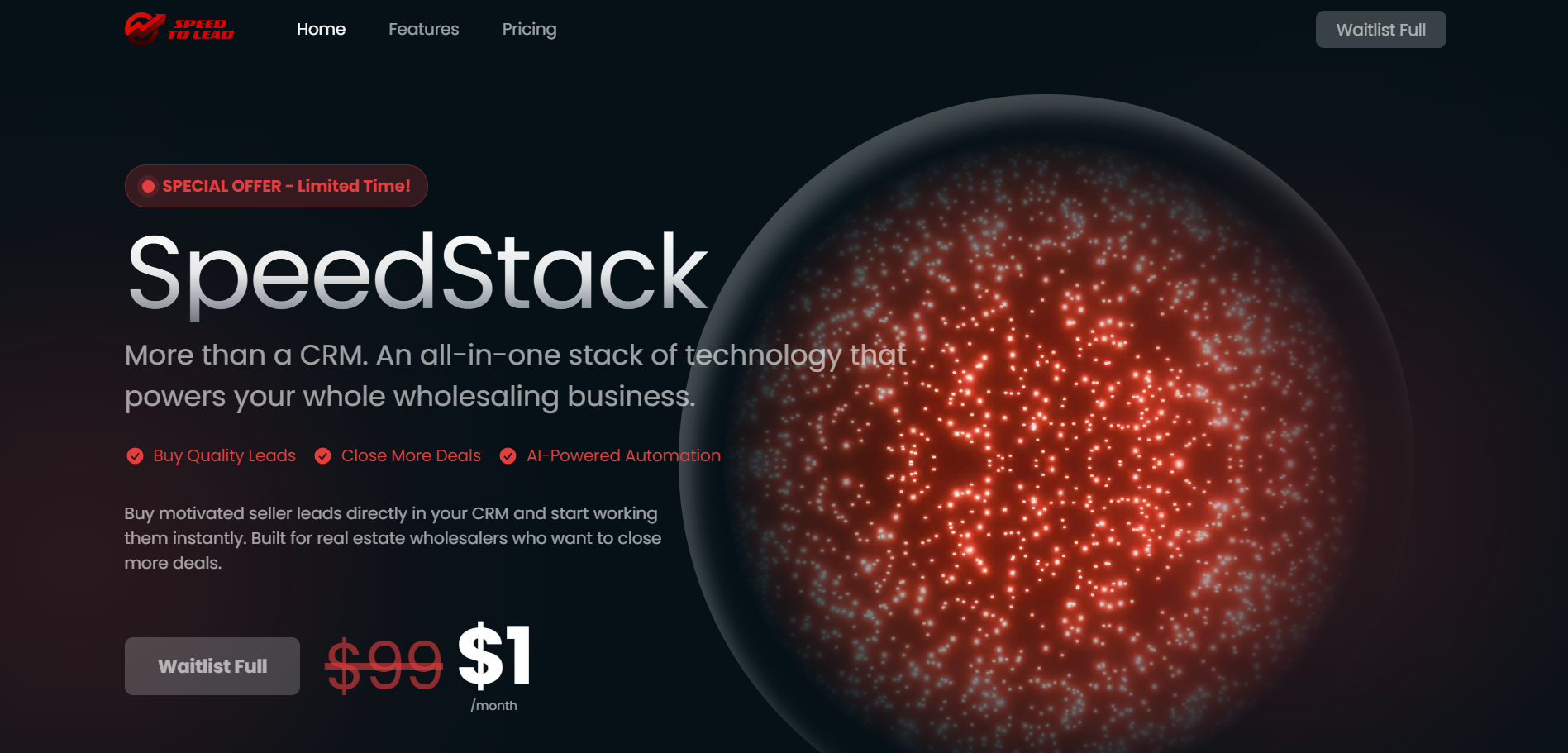
Inside MyCRM, the rest of the stack takes over. You get motivation-matched call scripts, AI Follow-Up sequences that keep sellers engaged across SMS, email, and calls, deal notes, and a direct path to DealSpeed for disposition across its 6M+ buyer and 200K+ agent network.
The handoff is the payoff. AutoMatch does the acquiring, MyCRM organizes the working, and you spend your time on the part that actually closes deals.

AutoMatch is not a blind territory subscription where you commit to a county and receive whatever shows up. It is criteria-driven automation built on top of a transparent marketplace, which is a structurally different model.
There is also a member version of AutoMatch that automatically delivers pre-filtered Sale-tier leads at $29 per lead for investors who want lower-cost volume on autopilot. And for those who want a flat-rate auto-buy across up to five states, Fixed Price Mode runs on a similar principle with a $500 monthly minimum.
The common thread is that automation never means flying blind. Exclusive leads on iSpeedToLead convert at roughly one deal per ten, and AutoMatch is engineered to get you those leads first.
AutoMatch is best for investors who already know their buy box and want volume without the manual grind. The system rewards operators with a clear process and the capacity to follow up.
Joey and Jacob Zawacki are a clean example of the model working. The team generated $48K in 90 days using AutoMatch to automate acquisition while they focused on closing.
If you are still figuring out which filters work in your market, start on the manual feed first, learn what converts, then switch on AutoMatch once your buy box is locked in.
Getting started takes minutes. Create an account, then configure the three AutoMatch steps: budget, location, and lead parameters.
New users can apply the code GET90 at checkout for 90% off your first lead, which is the lowest-risk way to test how AutoMatch quality compares to anything you have bought before. From there, you let the system run and work the leads as they arrive in your CRM.
AutoMatch turns lead acquisition from a manual race into a background process, buying exclusive, AI-scored motivated seller leads for you and routing them straight into your CRM.
For investors who know their market and have follow-up dialed in, it is the difference between a one-deal month and a system that compounds.
Book a demo to see exactly how AutoMatch would run in your target markets.
Read Next:
Yes. AutoMatch buys leads automatically while you sleep, purchasing exclusive motivated seller leads the moment they match the filters and budget you set, then delivering them into your CRM.
AutoMatch works in three steps: you set a per-lead bid and monthly cap, choose your states or counties, and define your property and seller filters, after which the system buys matching exclusive leads hands-free.
AutoMatch is better than manual buying for high-volume investors because it captures exclusive leads instantly and converts at roughly three times the rate of manual lead buying, without requiring you to watch the feed.
Yes, you can control how much AutoMatch spends by setting a monthly spending cap and a per-lead bid, so the system never exceeds your planned budget while still prioritizing the leads you want.
AutoMatch leads start at $100 per lead for exclusive inventory, with a lower-cost member version delivering pre-filtered Sale-tier leads at $29 per lead, and new users can take 90% off their first lead with code GET90.
June 1, 2026
May 31, 2026
May 30, 2026
May 29, 2026
May 28, 2026
May 27, 2026
May 26, 2026

May 25, 2026
May 24, 2026
Select the type of leads you're interested in.

